Dashboard Templates & Examples

Free Power BI and Tableau dashboard mockups. Preview any template, then make it yours.

How to pick a dashboard template

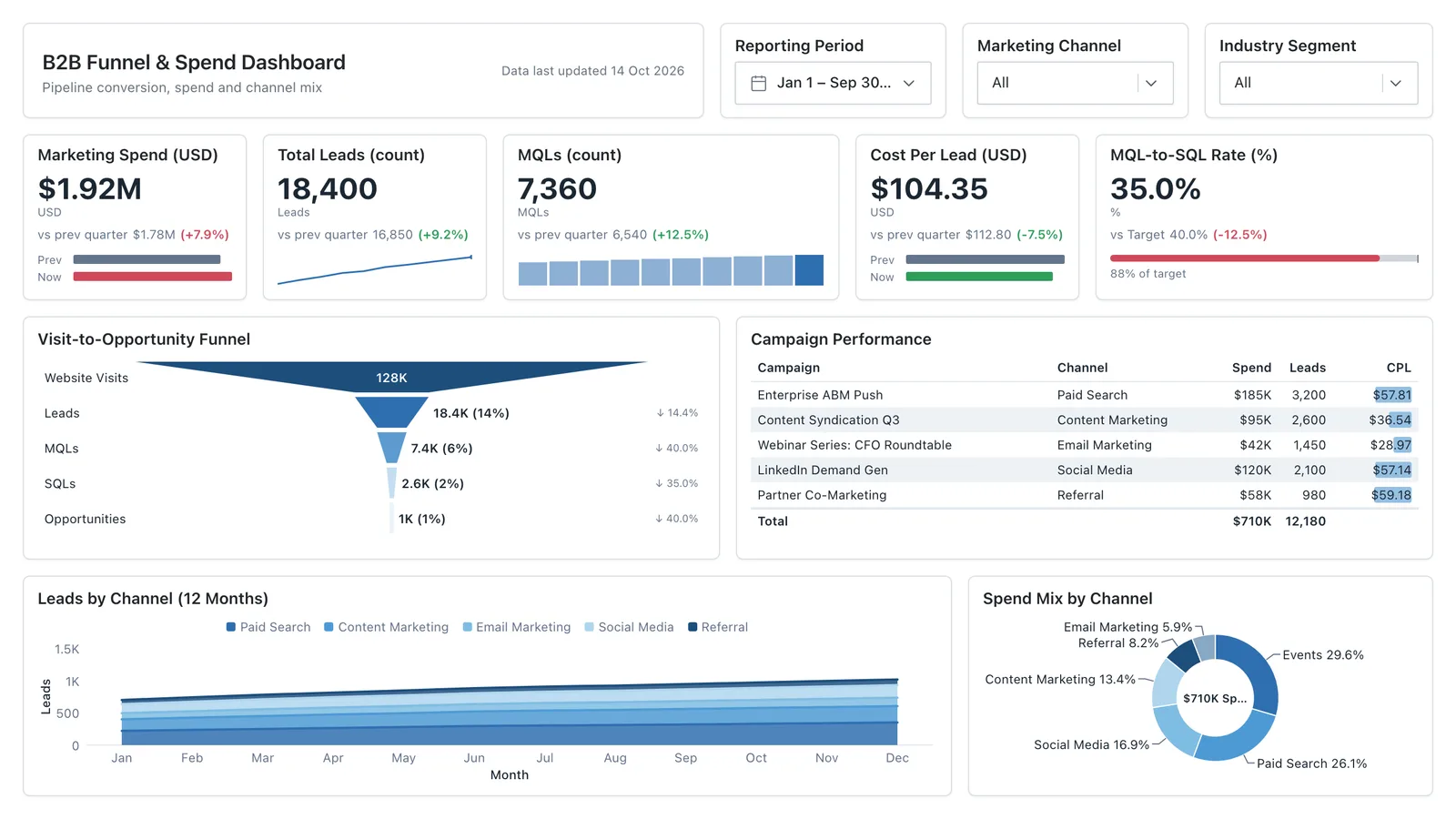
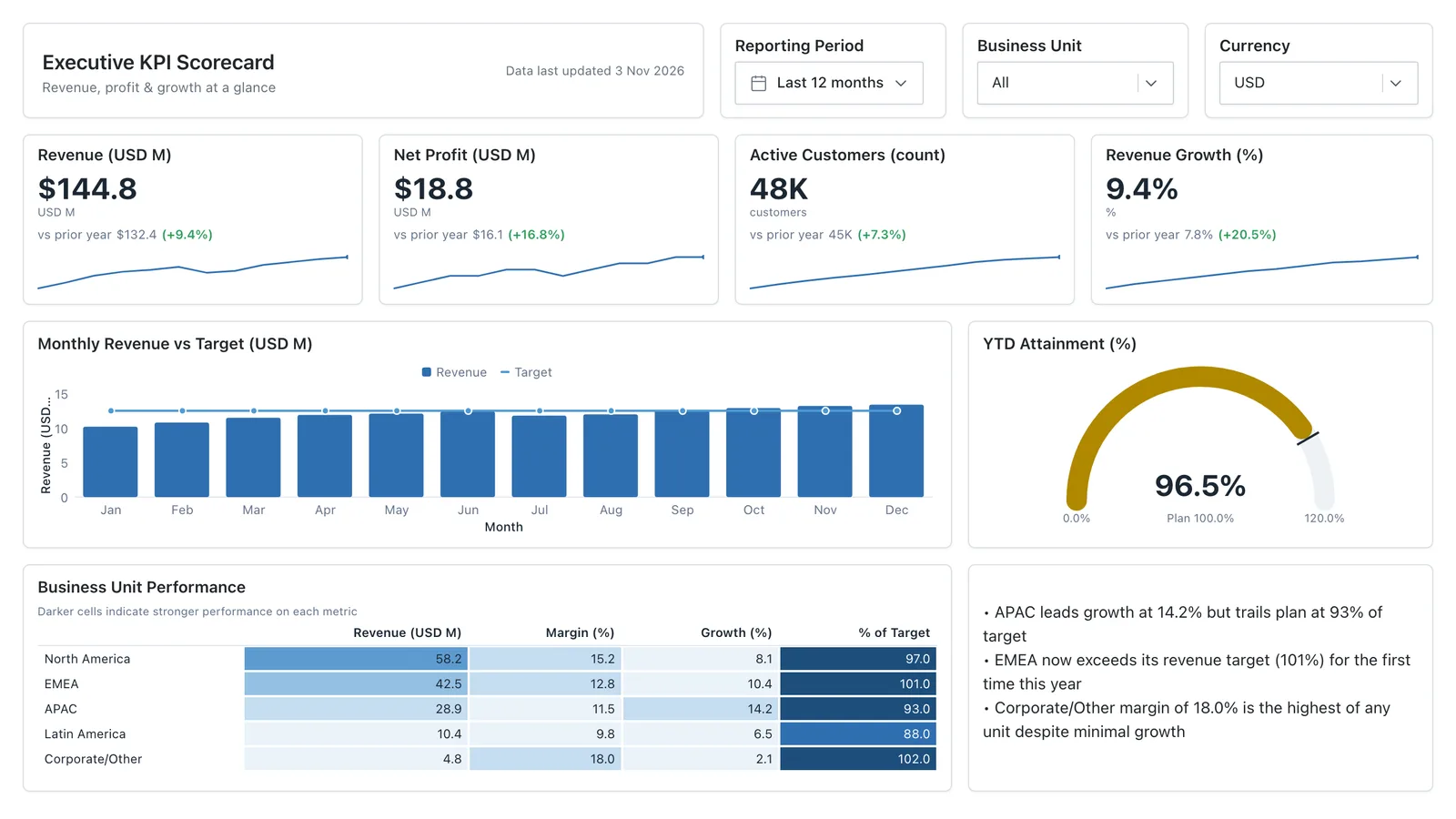
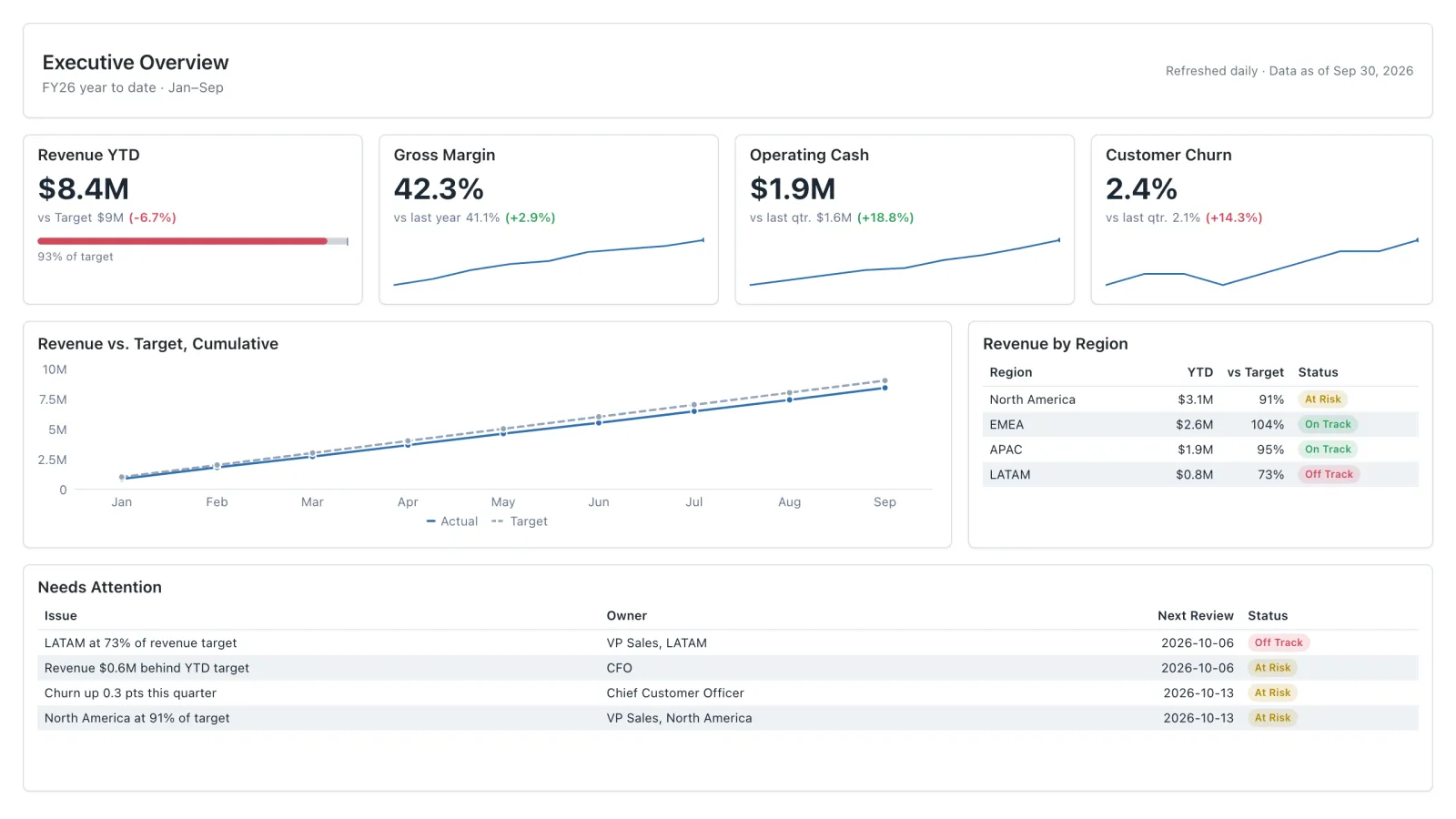
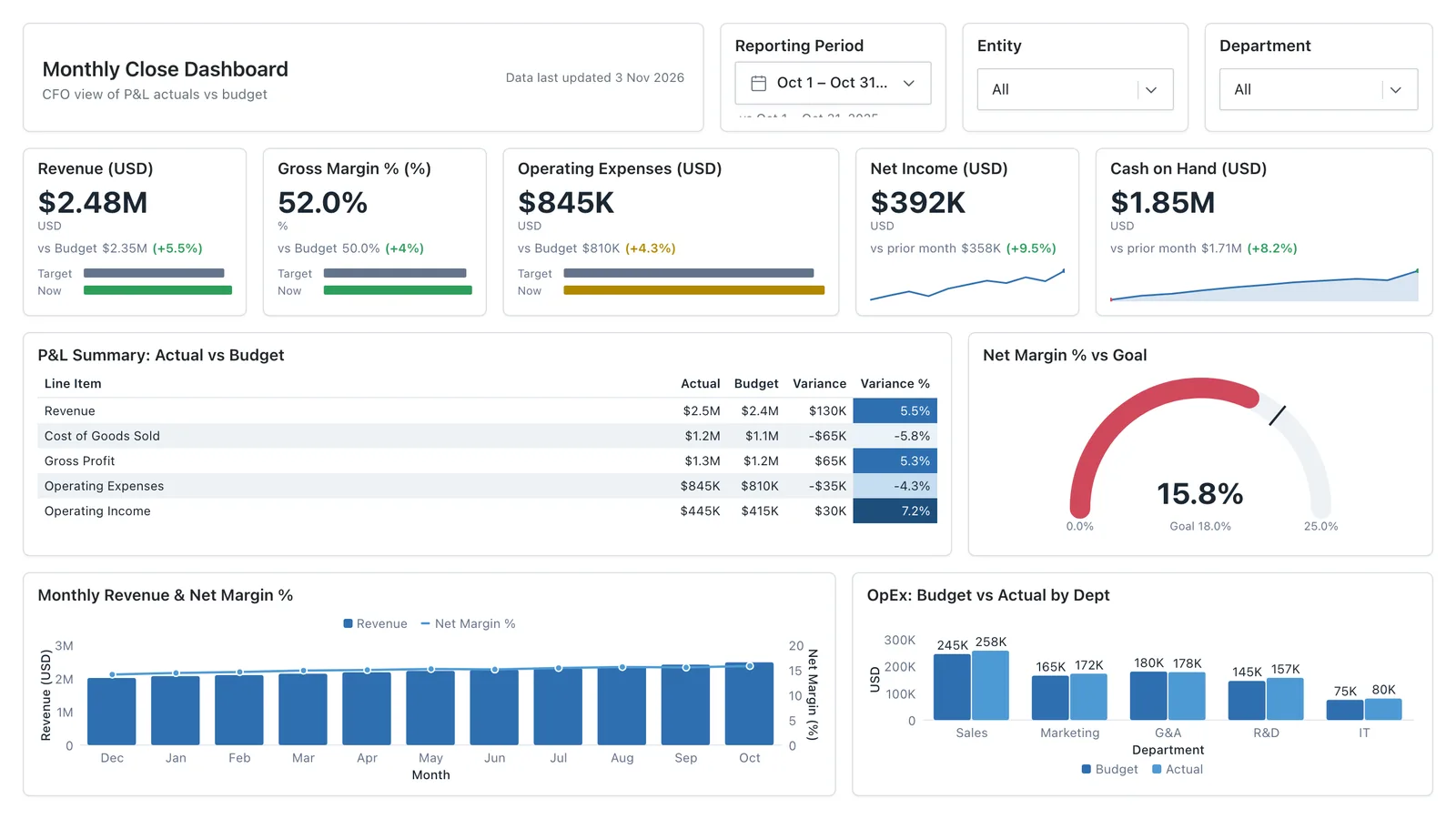
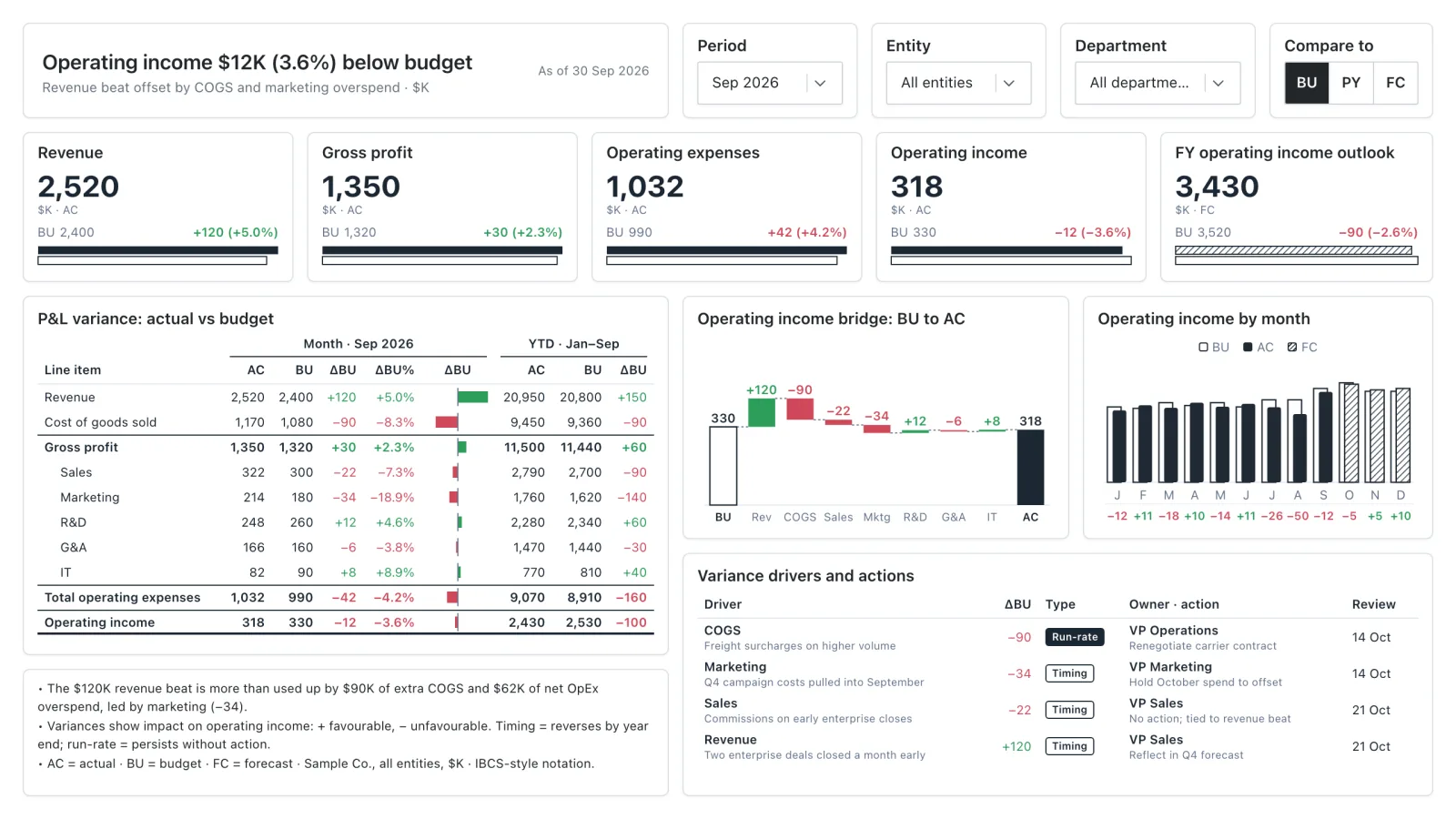
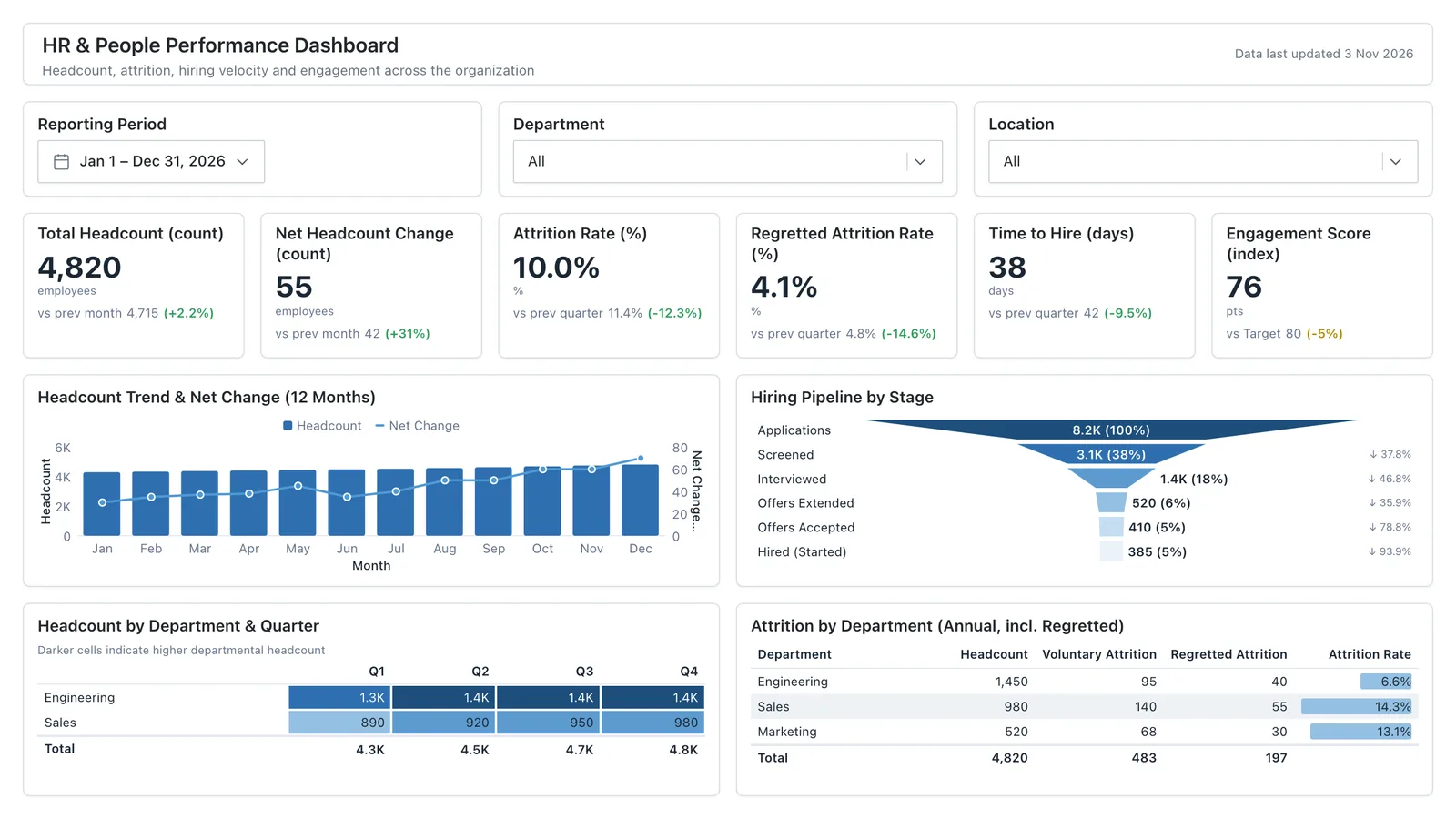
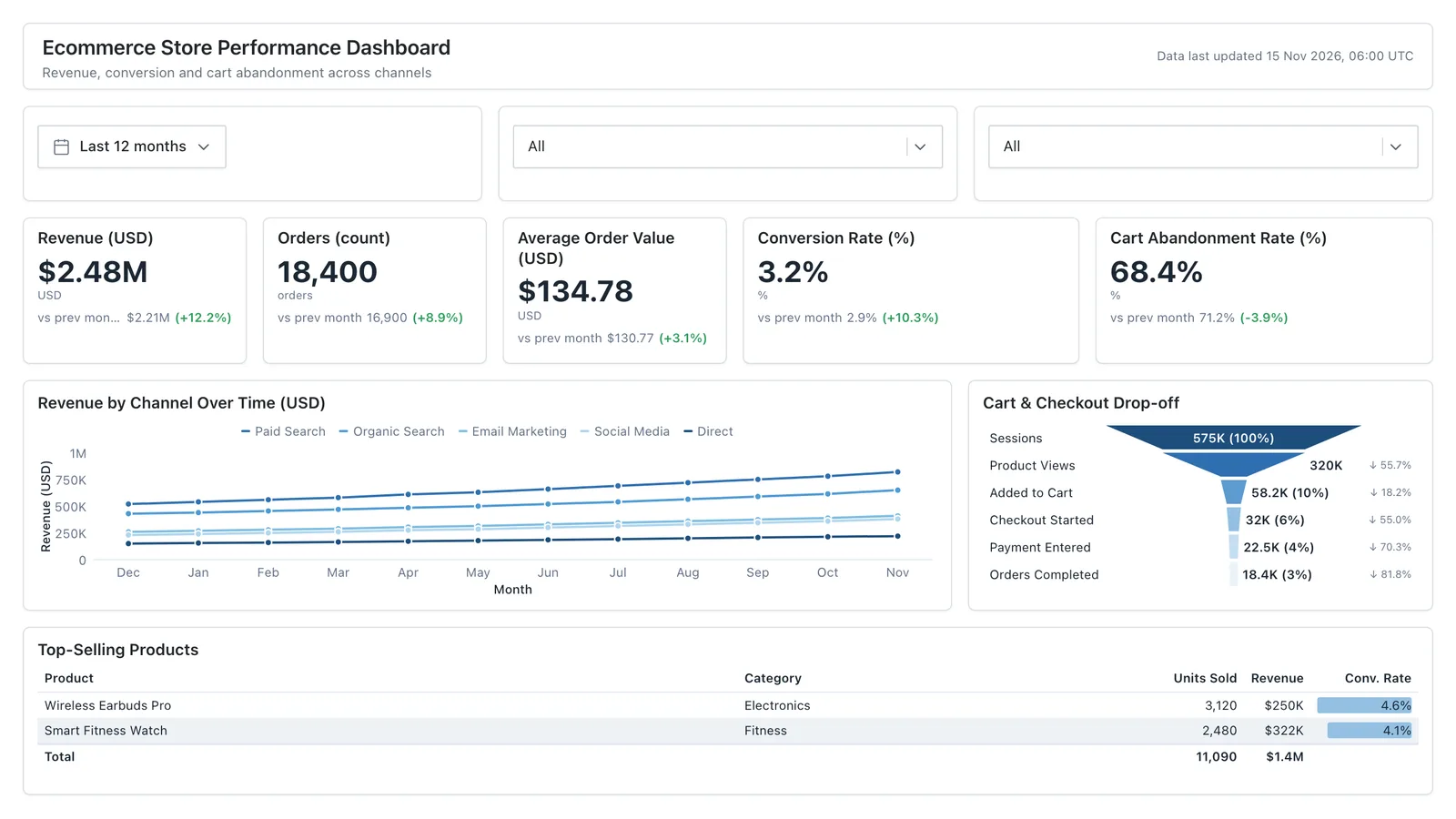
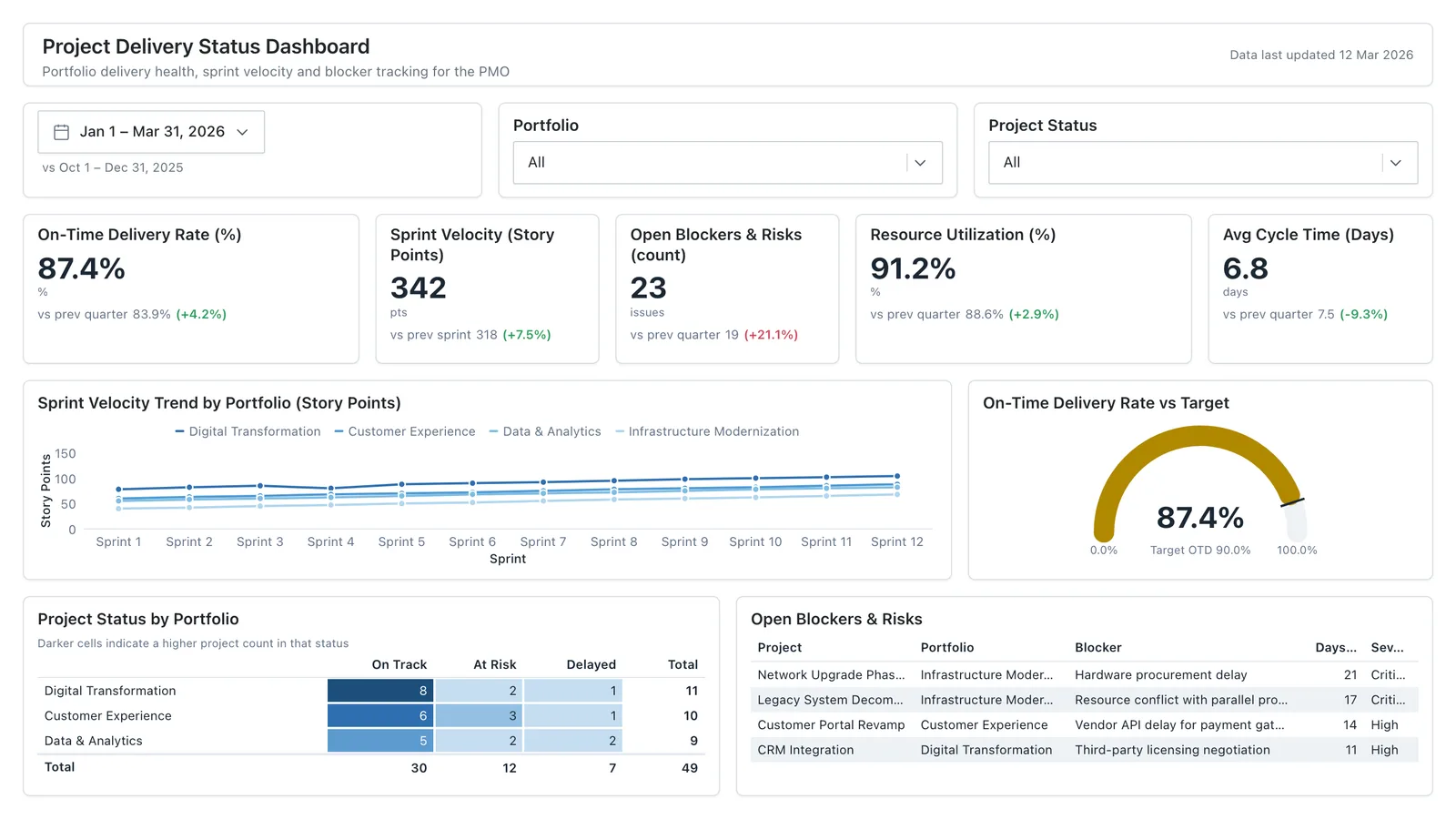
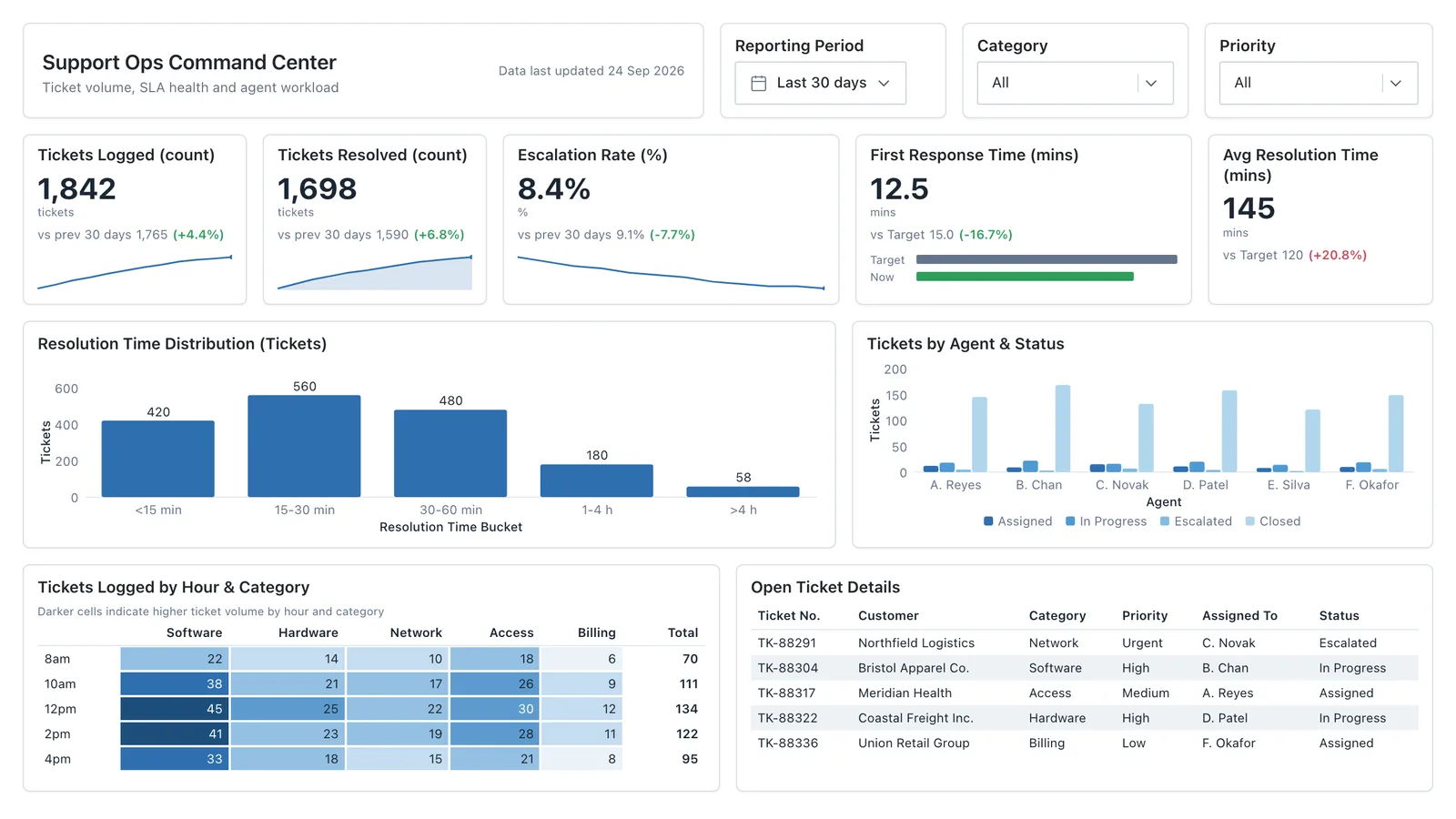
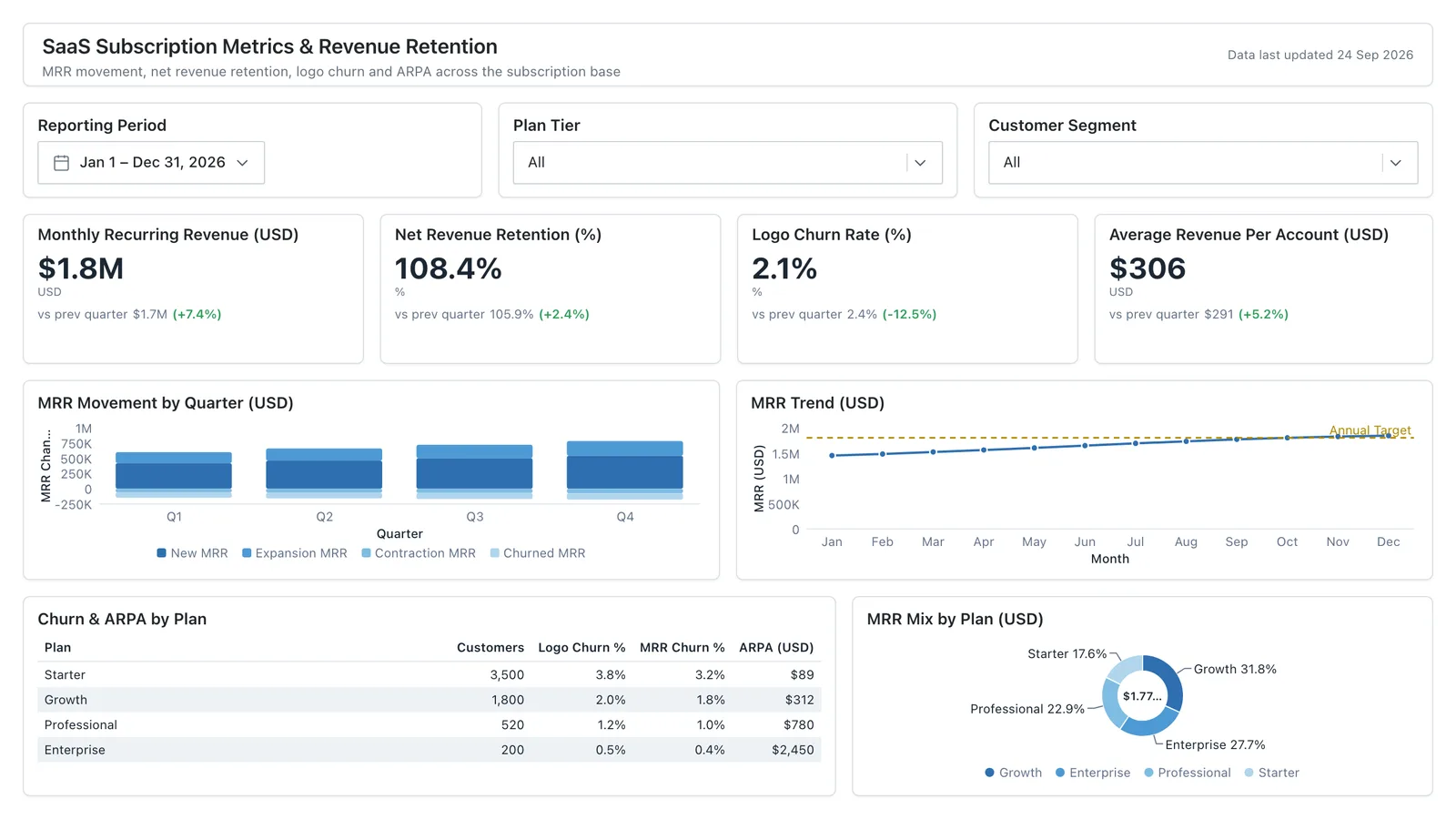
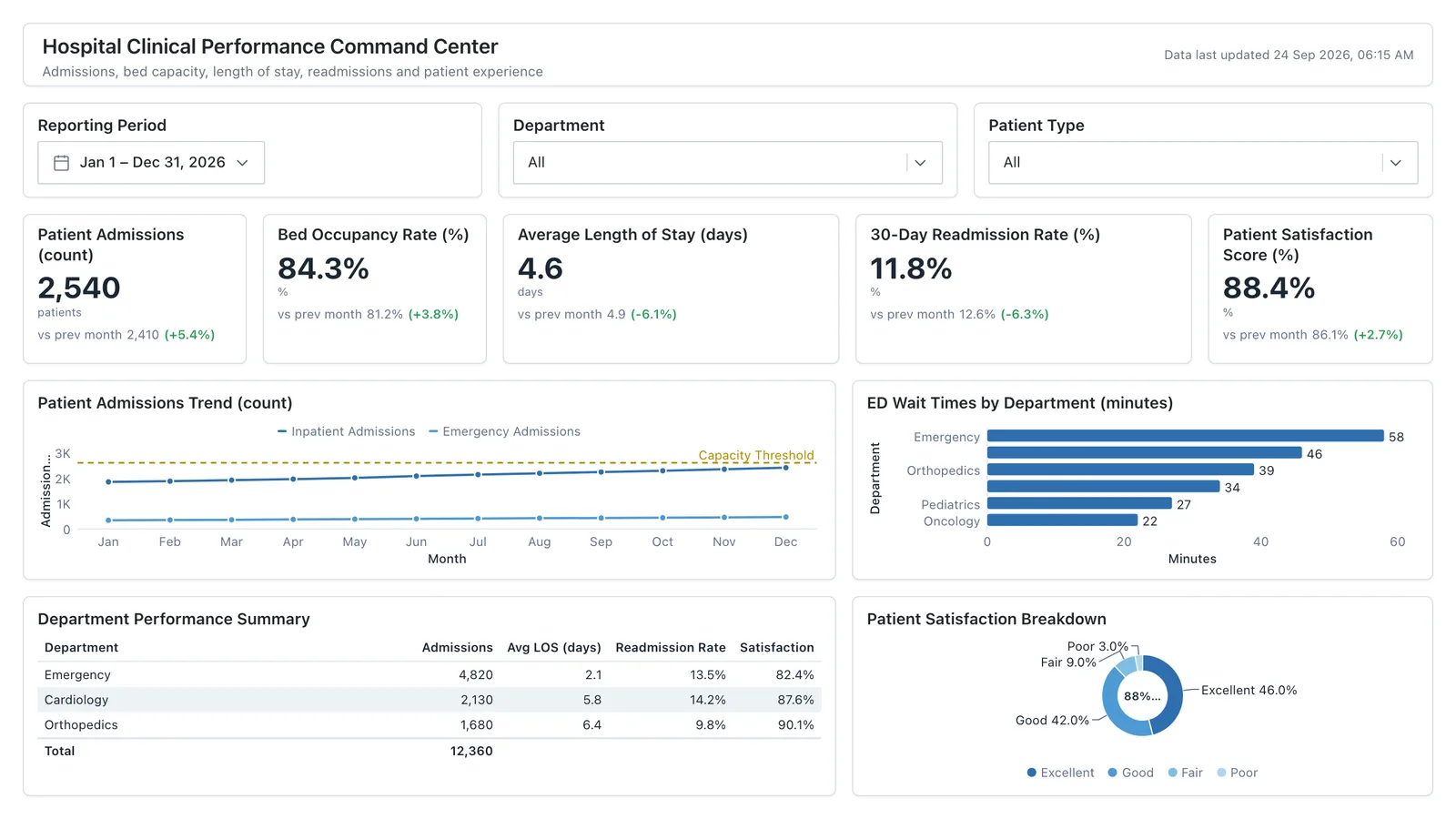
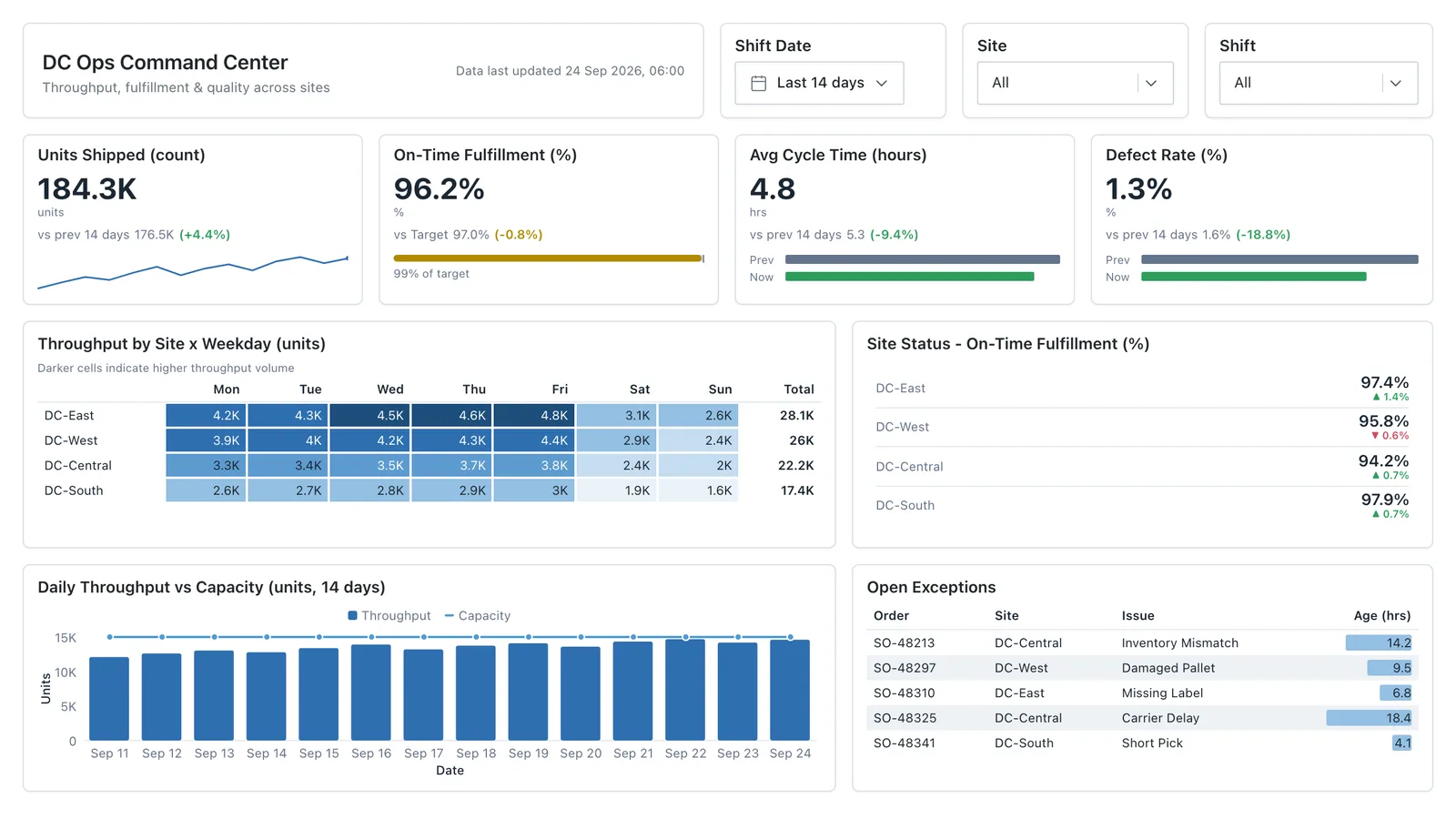
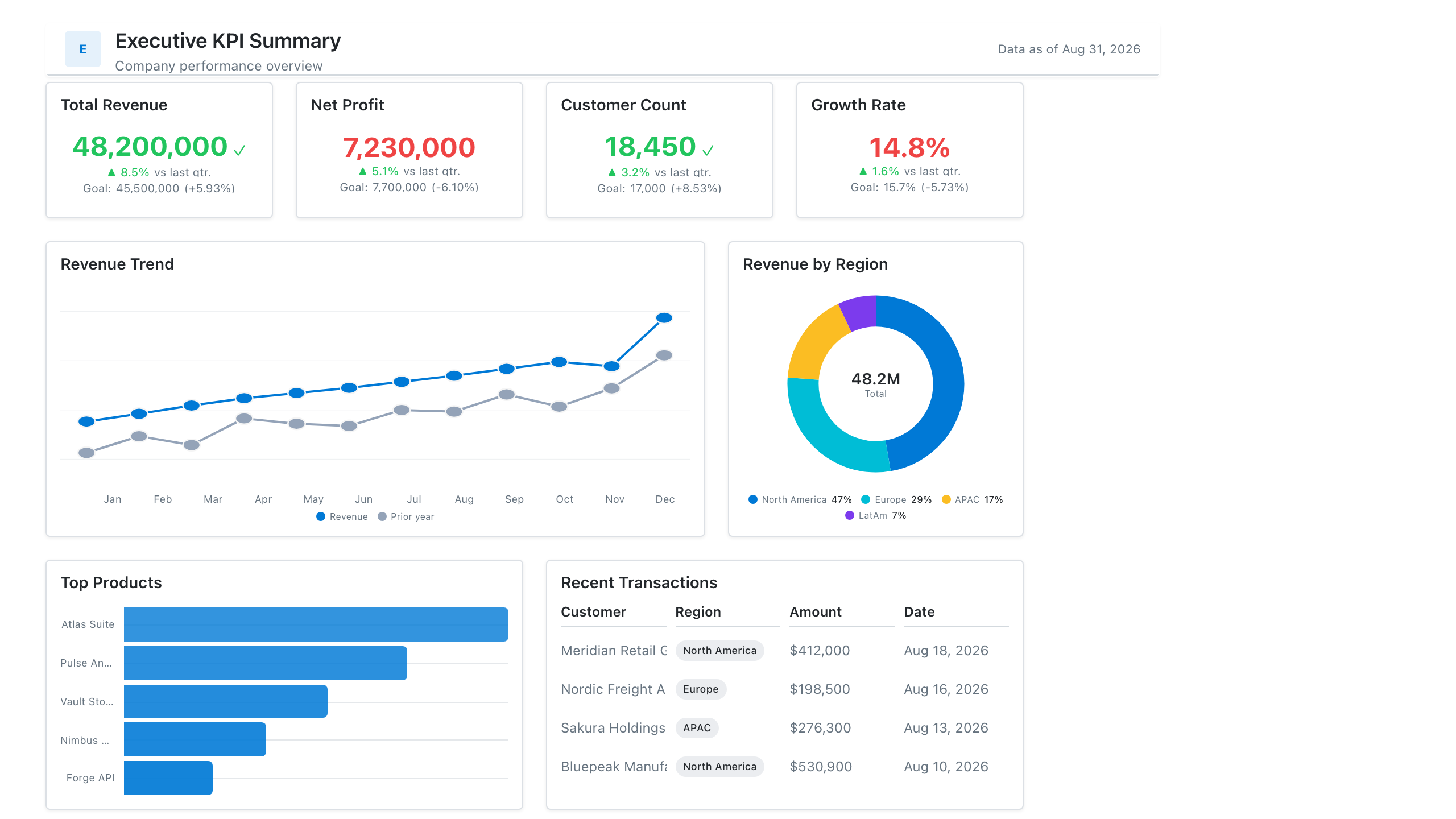
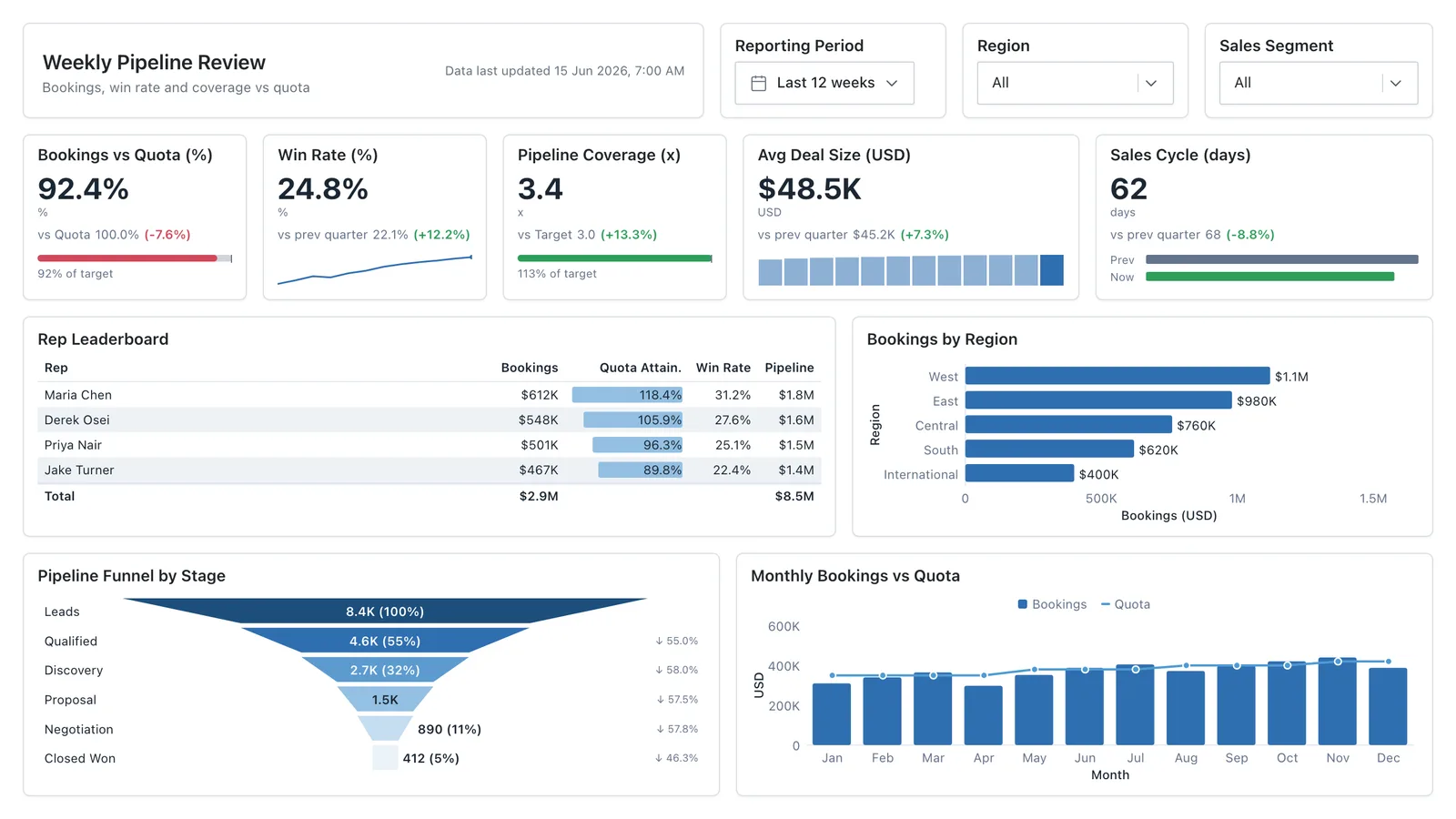
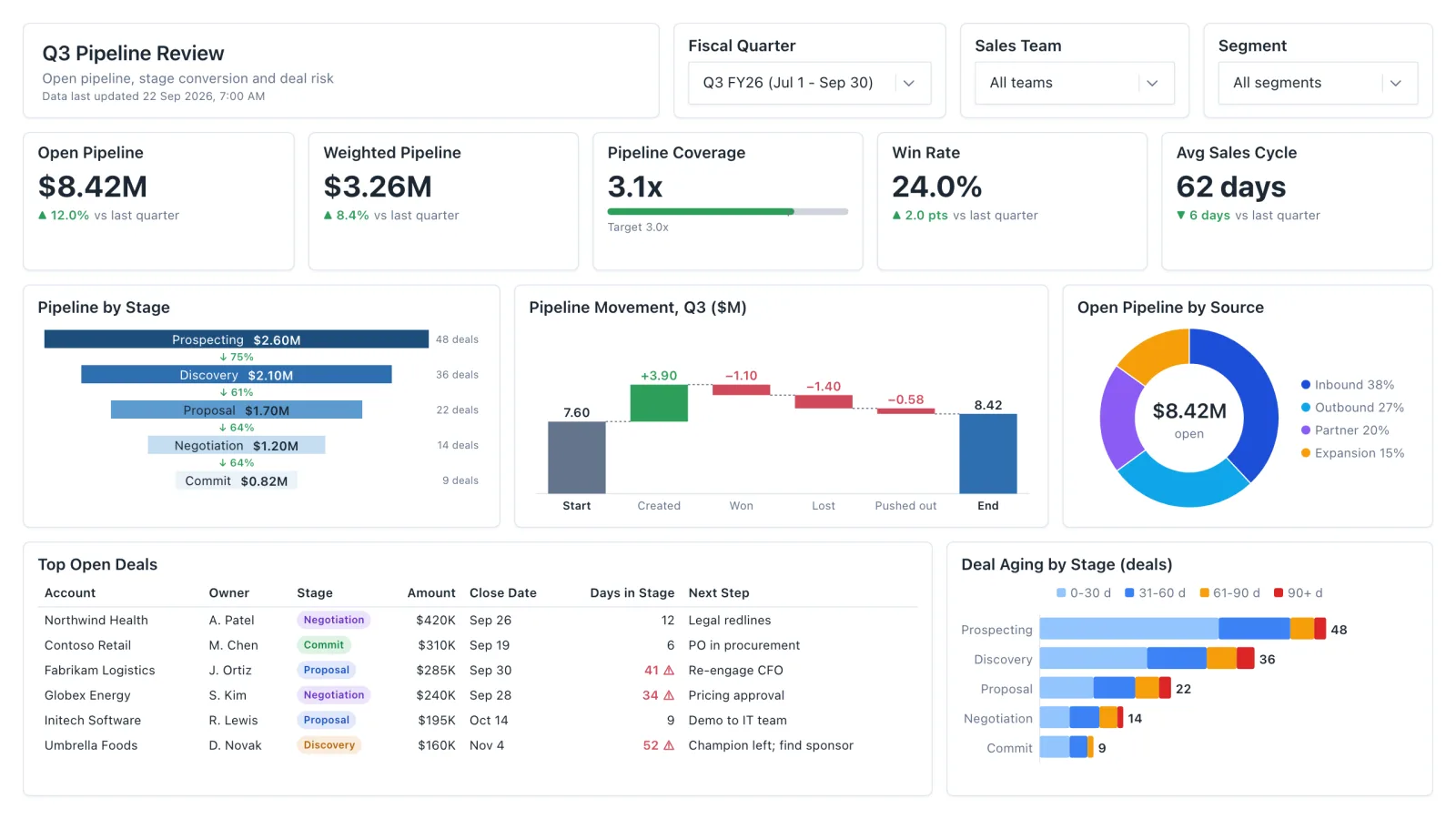
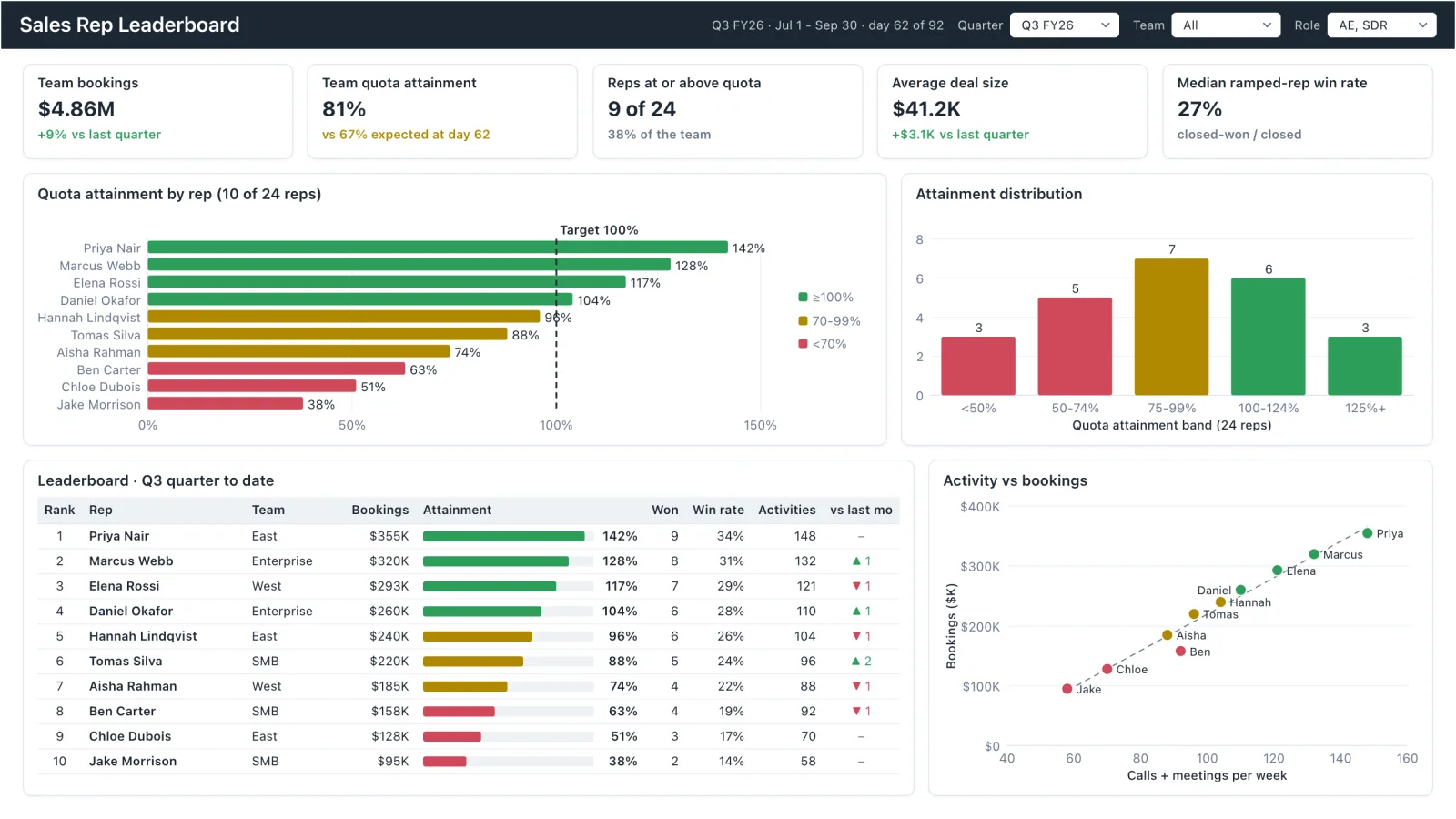
These free dashboard mockup templates double as business dashboard examples for sales, finance, HR, SaaS, and executive reporting. Whichever you start from, the same three rules apply.

1. Lead with the decision, not the data

Write down the question the dashboard answers ("are we on track to hit the quarter?") and keep only the KPIs that change that answer. Most good examples have four to six headline numbers, not fifteen.

2. Give every number a comparison

A KPI without a target, prior period, or benchmark can't tell anyone whether to act. Each template pairs its cards with a delta, gauge, or trend line for that reason.

3. Mock it up before you build it

Agreeing the layout on a mockup takes minutes; reworking a finished Power BI report takes days. Start from a template, get sign-off on the structure, then write the measures.

Templates for how you actually work

Every template on this page opens in Mockko — no Power BI or Tableau license required, and all of them are free to edit and export on the free plan.

Analysts

Prototype a dashboard layout before opening Power BI or Tableau — validate the structure first, build the measures second.

Designers

Create report mockups for BI clients without learning a BI tool. Drag, drop, and export — no DAX required.

Consultants

Present a dashboard concept before development begins. Get sign-off on the layout, not just a verbal description.

BI teams

Standardize report layouts across analysts so every dashboard your team ships looks like it came from the same team.

Start from a template, not a blank canvas

The previews above are real screenshots — and every one is a live, editable starting point, not just a picture. Open one in Mockko, swap in your own KPIs and chart types, and it's yours — free on the free plan.

  • Click a template and it loads straight onto your canvas
  • Swap chart types, edit mock data, and rearrange the layout freely
  • AI-powered layout generation (Pro) can also build a first draft from a plain-language description
  • Export to PNG, PDF, PowerPoint, or JSON for developer handoff
  • Works on Mac, Windows, and Linux — any browser, no install
app.mockko.com
The Executive KPI Overview template open in the Mockko builder, ready to edit

Get more out of these templates

A few guides on how to use dashboard mockups well, once you've picked a starting point.

Simple, transparent pricing

Start free, upgrade when you need more

Free

Perfect for trying out the tool

$0
  • 3 projects
  • Basic visuals
  • PNG export (watermarked)
  • 2 pages per project
Most Popular

Pro

For professionals

$9/mo
  • Unlimited projects
  • All chart types (including Funnel)
  • PDF/PPTX/JSON export
  • Unlimited pages
  • No watermarks
  • Unlimited viewers & commenters
Team

Team

For teams & collaboration

$29/mo
  • Everything in Pro
  • Up to 5 editors per workspace
  • Unlimited viewers & commenters
  • Priority support

Dashboard templates — common questions

What should a business dashboard include?
Start with the 4–6 KPIs the audience reviews every week, each with a comparison (vs. target or last period), then one trend chart and one breakdown (by region, rep, channel, or department). Filters go in a single bar along the top. Every template on this page follows that structure, so you can see it applied to sales, finance, HR, SaaS, and more.
Are these templates free to use?
Yes — every template on this page is free to use on Mockko's free plan. The free plan includes 3 projects and PNG export with a watermark. Pro ($9/mo) removes the watermark, adds PDF, PPTX, and JSON export and unlimited projects, and unlocks AI layout generation — but the templates themselves are all free.
Do I need Power BI or Tableau installed to use a template?
No. Mockko is a browser-based mockup builder — you don't need a Power BI or Tableau license, and nothing installs on your machine. Open a template, customise the layout, and export it. Building the real, data-connected report still happens in Power BI or Tableau afterward.
Can I start from a blank canvas instead of a template?
Yes. Templates are a shortcut, not a requirement — you can start any project from scratch and add charts, KPI cards, tables, and slicers freely.
What's the difference between a dashboard mockup template and a dashboard UI example?
The templates on this page are structured starting points — pick one, customise it, and it becomes your project. Mockko's dashboard UI examples page is more of a design-inspiration gallery for browsing layout ideas across use cases.
Does Mockko have AI-generated layouts?
Yes — AI-powered layout generation is live on the Pro plan. Describe the dashboard you want in plain language and Mockko generates a starting layout you can then edit like any other template.
How do I export a template once I've customised it?
Mockko exports to PNG, PDF, PowerPoint (PPTX), and JSON. PNG and PDF are best for sharing as-is, PPTX drops straight into a slide deck for stakeholder sign-off, and JSON is used for developer handoff.

Pick a template, make it yours

Every template above loads straight into the Mockko builder, free on the free plan. Pro adds watermark-free PDF, PPTX, and JSON export, unlimited projects, and AI layout generation. Free to start.

Start free

Free plan · No credit card · Cancel anytime